If you signed into Local Services Ads this week and landed somewhere unfamiliar, nothing is broken. Google retired the Local Services Ads dashboard and moved everything into Google Ads. Your old login now redirects.
Your leads came with you. Finding them is the problem, and so is knowing whether you still have as many as you did last month.
Where your Local Services Ads leads are now
In Google Ads, open Goals, then Conversions, then Leads. That table replaced the old LSA inbox. Your past leads, message threads, and older call recordings moved into it, and you can still see charged status, lead type, reply to messages, and export to your CRM.
Do not use the link Google’s own help agent gives you. We asked it on November 5, 2026 and it returned the right steps, then hyperlinked the word “Leads” to a dead page.
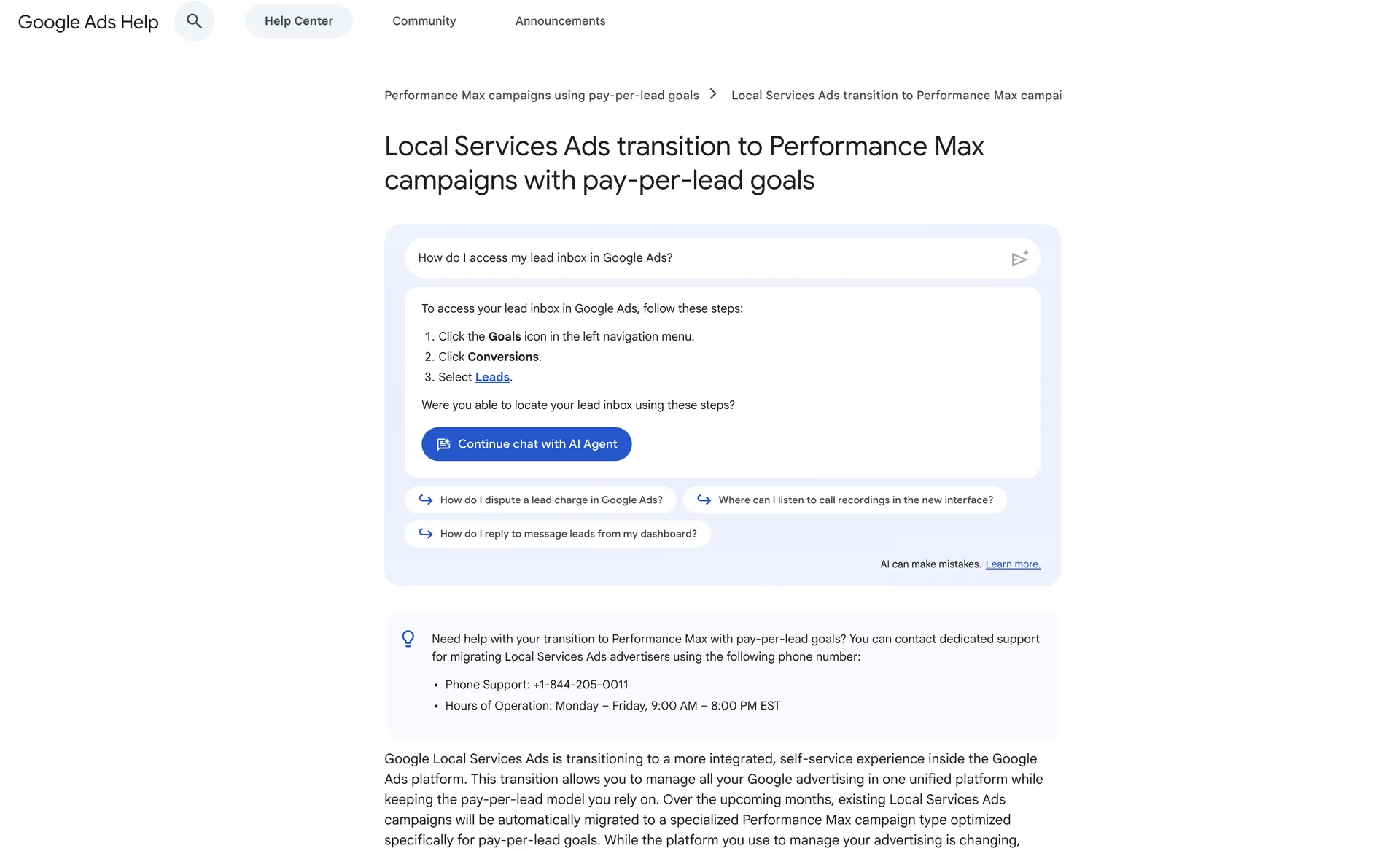
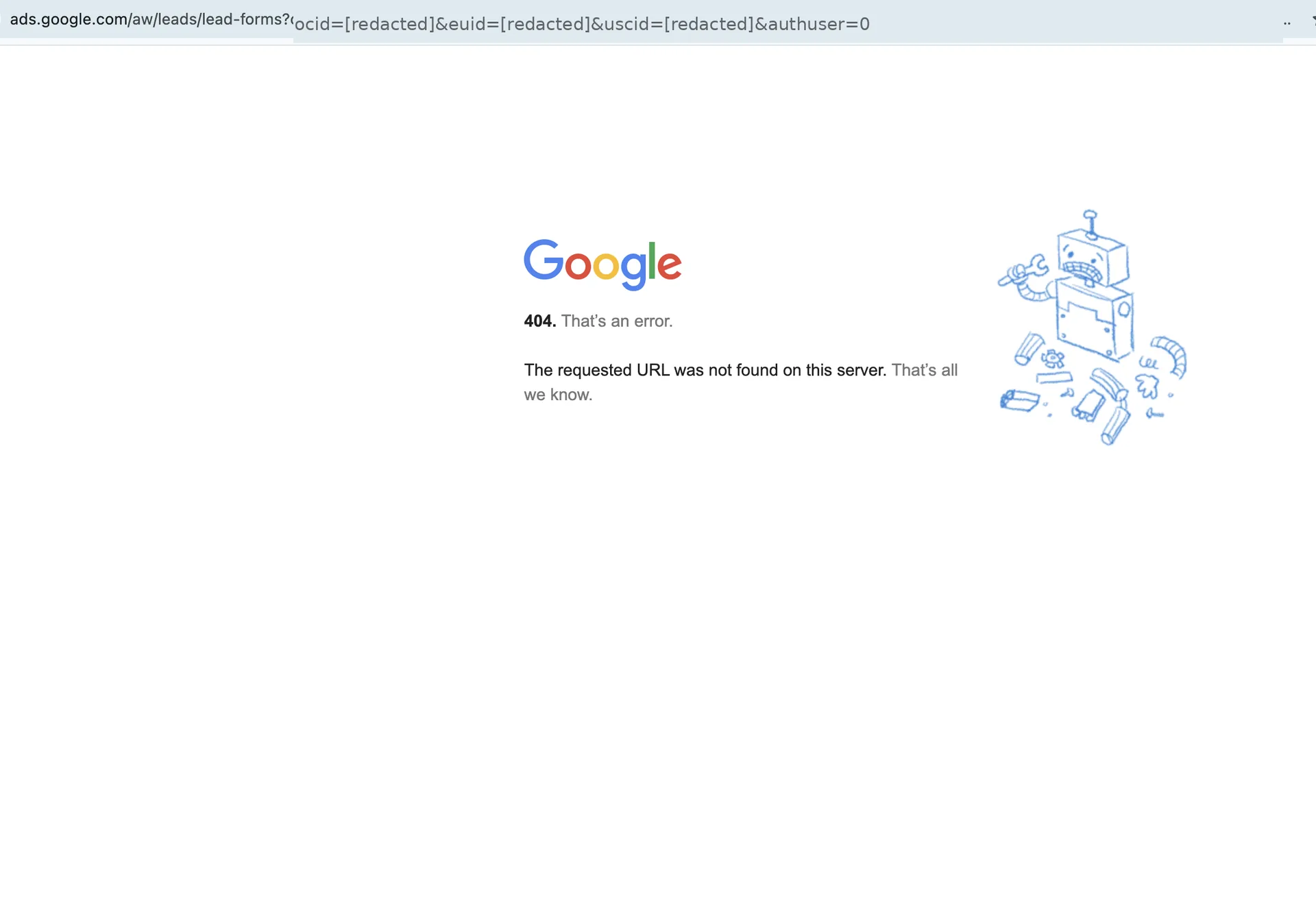
Click through the menu yourself. If you have been following that link and hitting an error, there is nothing wrong with your account.
Your leads may dip, and you have no baseline to check it against
Google asks for up to two weeks after migration for performance to settle, so a soft first week is usually the system recalibrating. The real problem is that you cannot tell the difference, because your historical performance reports did not come across. Cost per lead by month, seasonal pattern, dispute history, year over year volume: none of it is in Google Ads.
So a normal ramp and a genuine collapse look identical on screen.
Pull your pre-migration numbers from your own call tracking, CRM, or analytics and put them beside the new Leads report. If you have accounts that have not had their historical LSA reports downloaded yet, there is a download button on the redirection page. Do that today. It will not be there forever.
What to check in the first week
- The phone number receiving your leads. Check it the day the account lands. You can edit it in Google Ads in real time.
- Your service areas and categories. Confirm they carried across intact.
- Campaign status. A change to your business name or address triggers a 24 to 48 hour review and can pause the campaign while it runs.
- Contact details on charged leads. Open individual leads, not the summary view. Check that you can actually call the person back.
- Lead volume against your own records, not against the empty history in Google Ads.
That fourth one is where we have seen the most damage. Contact detail has been coming through thinner than the old inbox gave us, and Google’s developer documentation confirms a real change rather than a display bug: version 25 of the Google Ads API removed the email field from a Local Services lead’s contact details, and contact details return empty for leads whose status is wiped out.
A charged lead you cannot contact is the most expensive thing in a pay-per-lead account.
Call Google, and make them account for your leads
Google is running a dedicated migration support line: +1-844-205-0011, Monday through Friday, 9:00 AM to 8:00 PM EST. It is worth using, and it works better if you come in specific.
- Lead with the billing, not the interface. “I am being charged for leads I cannot contact” gets escalated. “I cannot see emails” gets closed.
- Bring lead IDs. Five to ten specific leads with dates and charge amounts beats a general complaint every time.
- Name the API change. Say that
ContactDetails.emailwas removed in Google Ads API v25. It moves you past the first support tier quickly. - Ask for two separate things: full contact detail restored going forward, and credits on the charged leads that arrived with no usable contact information.
- Get a case number before you hang up.
Separately, dispute the leads that qualify. Message leads often arrive with no name and no phone number because Google’s message form does not require the sender to sign in, and those can meet Google’s invalid lead criteria.
One more thing worth knowing while you are watching your numbers: since October 1, 2026, a business-hours call that rings more than 20 seconds and goes unanswered can be charged as a valid lead. If your phones are not covered during your posted hours, that change is costing you money right now.
What this looked like on a real account
Blossom & Oak Landscaping in Queen Creek runs Local Services Ads as a real share of their lead volume. In September 2026 the channel produced 37 phone leads and 11 message leads.
Their campaign survived the migration without drama. The work was everything around it: confirming routing, rebuilding a baseline the platform no longer held, and chasing contact detail on charged leads. None of that shows on a campaign status screen. You find it by opening leads one at a time and asking whether you could actually call this person.
Common questions
Where is the Local Services Ads dashboard?
Retired. Signing in redirects you to Google Ads, where your leads live under Goals, then Conversions, then Leads. Past leads, message threads, and older call recordings moved with you.
Why did my leads drop after the migration?
Allow up to two weeks for performance to settle before drawing conclusions. The complication is that your historical reports did not transfer, so you have no in-platform baseline. Compare against your own call tracking or CRM instead, and check lead routing and service areas first.
Why can I not see a phone number or email on a lead?
Open the lead individually rather than reading the summary view. Google removed the email field from Local Services lead contact details in version 25 of its Ads API, and details return empty for wiped-out leads. If you are being charged for leads with no usable contact info, call the migration line with specific lead IDs and dispute the ones that meet the invalid lead criteria.
Can I still get my old Local Services Ads reports?
Only from the download on the redirection page, and not indefinitely. Historical impressions, clicks, weekly spend, and ad-level reports do not appear in Google Ads. Download them now if you have not.
Need someone watching this for you?
We manage Local Services Ads for service businesses across the Phoenix Metro and East Valley, and we have been through this migration on live accounts. If yours moved and nobody has checked routing, pulled the historical reports, or audited what the Leads page is really showing, that is an hour well spent.
Get in touch or call or text (602) 844-8072.
Sources
- Google Ads Help, Local Services Ads transition to Performance Max campaigns with pay-per-lead goals
- Google Ads API, Local Services campaigns
- Search Engine Land, Google Local Services Ads will charge for some missed calls starting Oct. 1