

What Should Be in a Local SEO Report?
A Business Owner’s Guide to Reading the Numbers
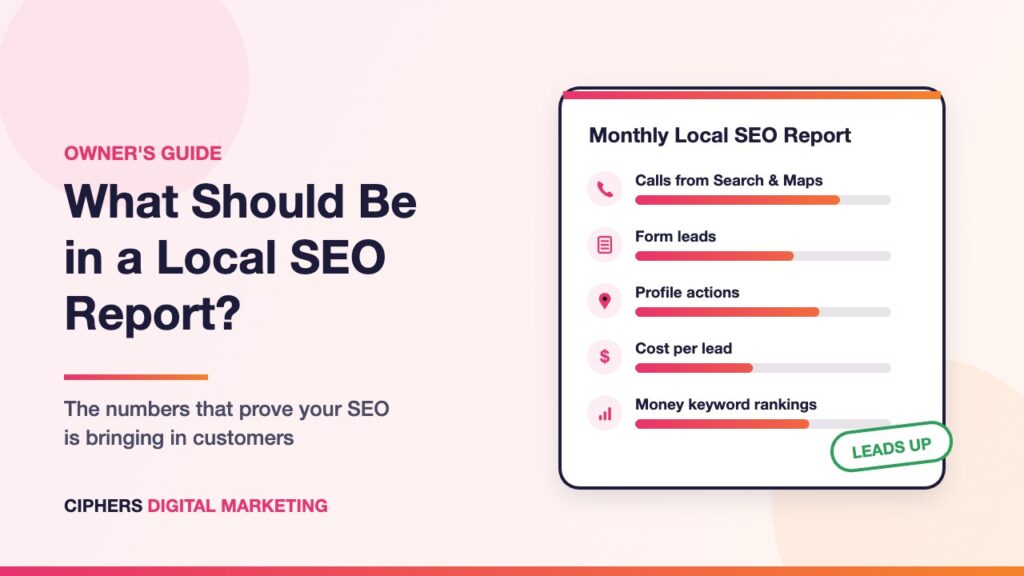
Every month your SEO agency sends a report. Charts go up, a few keywords move, and the word “impressions” shows up a lot. But the question most business owners actually care about is simple: did search bring in more customers?
This guide shows what a local SEO report should contain, which numbers you can safely skim past, and how to check any report yourself, whoever sends it.

A Reporting Lesson From an Agency Owner Who Built His Own Tool
Nick Quirk runs SEO Locale, a digital marketing agency in Philadelphia. After years of stitching rank trackers, spreadsheets, and Search Console exports together to report to clients, he built SEO App around what his team actually needed to see.
“Every workflow in SEO App exists because my team needed it.”
Nick Quirk, Founder and Owner of SEO App
That idea applies to every SEO report a business owner receives. The useful ones are built around what you need to know, not around how many charts fit on a page. The rest of this guide shows exactly what that looks like.
Why So Many SEO Reports Miss the Point
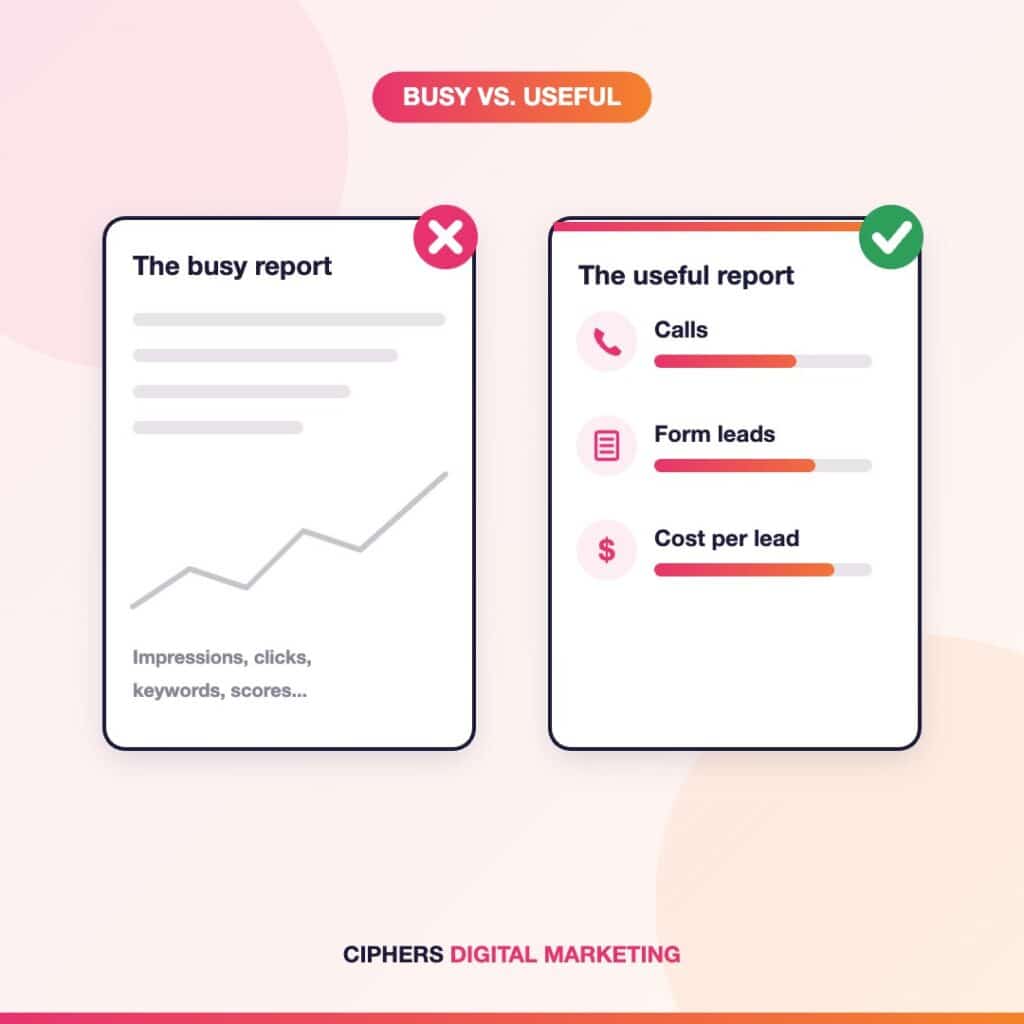
Most SEO reports are built from whatever the tools export easily: impressions, clicks, keyword positions, a site health score. None of that is wrong. The problem is the order. When activity numbers sit at the top and leads sit at the bottom, or nowhere at all, a quiet month can still look like a great one.
For a local business, a good report reads in the opposite direction. It starts with the customers who called, filled out a form, or asked for directions, then works backward to explain what brought them in.
The rule we hold our own reports to: if the first page does not tell you whether the phone rang more, the report is describing work, not results.
What Belongs at the Top of Every Report
Six things that show whether SEO is bringing in customers

Calls From Search and Maps
For most service businesses, the call is the lead. Calls from organic search and your Business Profile should be separated from ad calls.

Real Form Leads
Quote requests and booking forms, checked against your inbox or CRM, not just a goal count pulled from analytics.
Business Profile Actions
Calls, website clicks, and direction requests. Strong demand signals, but not all leads, so read them as a trend line.

Cost per Lead
Your SEO investment divided by the real leads it produced. The clearest way to compare SEO with ads and referrals.

Money Keyword Rankings
Rankings for the searches that hire you, including longer phrases customers type, plus a Maps view across your service area.

A Comparison for Every Number
This month against last month and the same month last year, so you can tell whether anything actually improved.
Not sure your current report covers these? Here is how to check it yourself.

Numbers That Look Impressive but Mean Little
None of these numbers are useless. They just should not lead the report or stand in as proof of results.
- Impressions. They can double while leads stay flat, especially when you start appearing for searches that were never going to hire you.
- Total ranking keywords. “You rank for 1,200 keywords” means little when most sit on page five for unrelated searches.
- Domain authority scores. Third-party estimates, not Google metrics, and they say nothing about revenue.
- Traffic with no context. Out-of-state visitors and job seekers do not pay the bills. Ask where visits came from and what they did.
- Site health scores. A jump from 82 to 94 can be real or cosmetic. The report should name what was fixed and why it mattered.
Where Lead Numbers Quietly Go Wrong
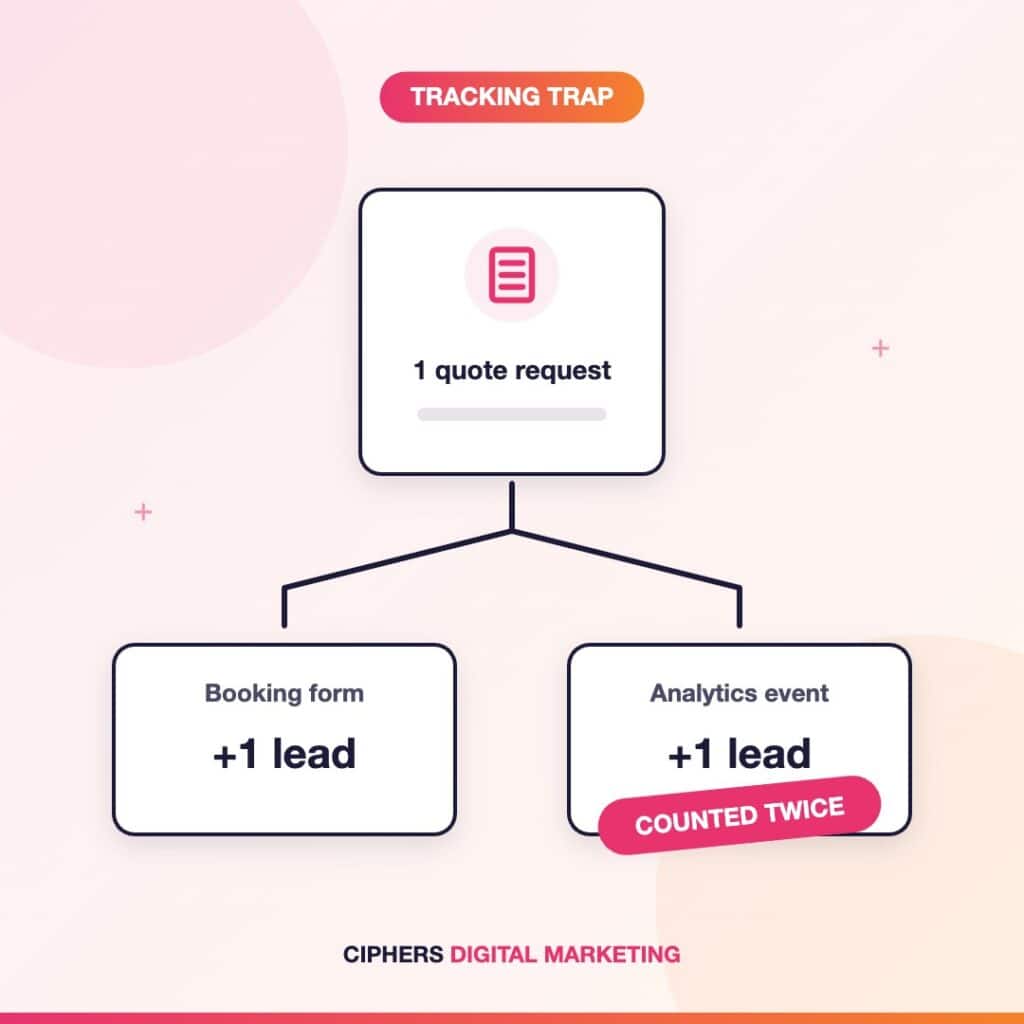
The costliest reporting mistakes are not in the charts. They happen earlier, in how leads get counted. In the conversion tracking audits we ran this year, the same patterns kept showing up:
- One lead counted twice. On one home services account, a booking form and an analytics event both recorded the same submission, making cost per lead look half as expensive as it really was.
- Non-leads counted as conversions. Website visits, direction taps, and even YouTube subscriptions can end up labeled as conversions. One account showed hundreds in a month when real leads were in the low double digits.
- Calls that were never connected. Call tracking can exist on paper and still record zero calls because nothing on the site or profile is tied to it.
None of these came from anyone trying to mislead. They are common setup problems, which is exactly why a good report explains how leads are tracked and flags anything that is not working.

How to Check Your Agency’s Report Yourself
You do not have to take any agency’s report on faith, including ours. These owner-level checks take less than an hour:
- Make sure you own the accounts. Search Console, Analytics, and your Business Profile should be in your business’s name, with your agency added as a user.
- Compare leads to reality. If the report says 40 leads and your call log and inbox show 15, ask how leads are being counted.
- Look at Search Console yourself. Its Performance report shows the searches that actually brought people to your site.
- Spot-check rankings independently. Use a rank tracker your agency does not control. More on that below.
- Search like a customer. From your phone, in a few parts of town, search for your main service and see where you land in Maps.
Spot-Check Your Rankings With an Independent Tool
The most reliable way to verify a rankings report is to look at the data yourself, in a tool your agency does not control. Rank trackers such as SEO App check keyword positions daily and connect directly to your own Google Search Console, so rankings and real clicks sit side by side. It offers a free trial with no credit card.
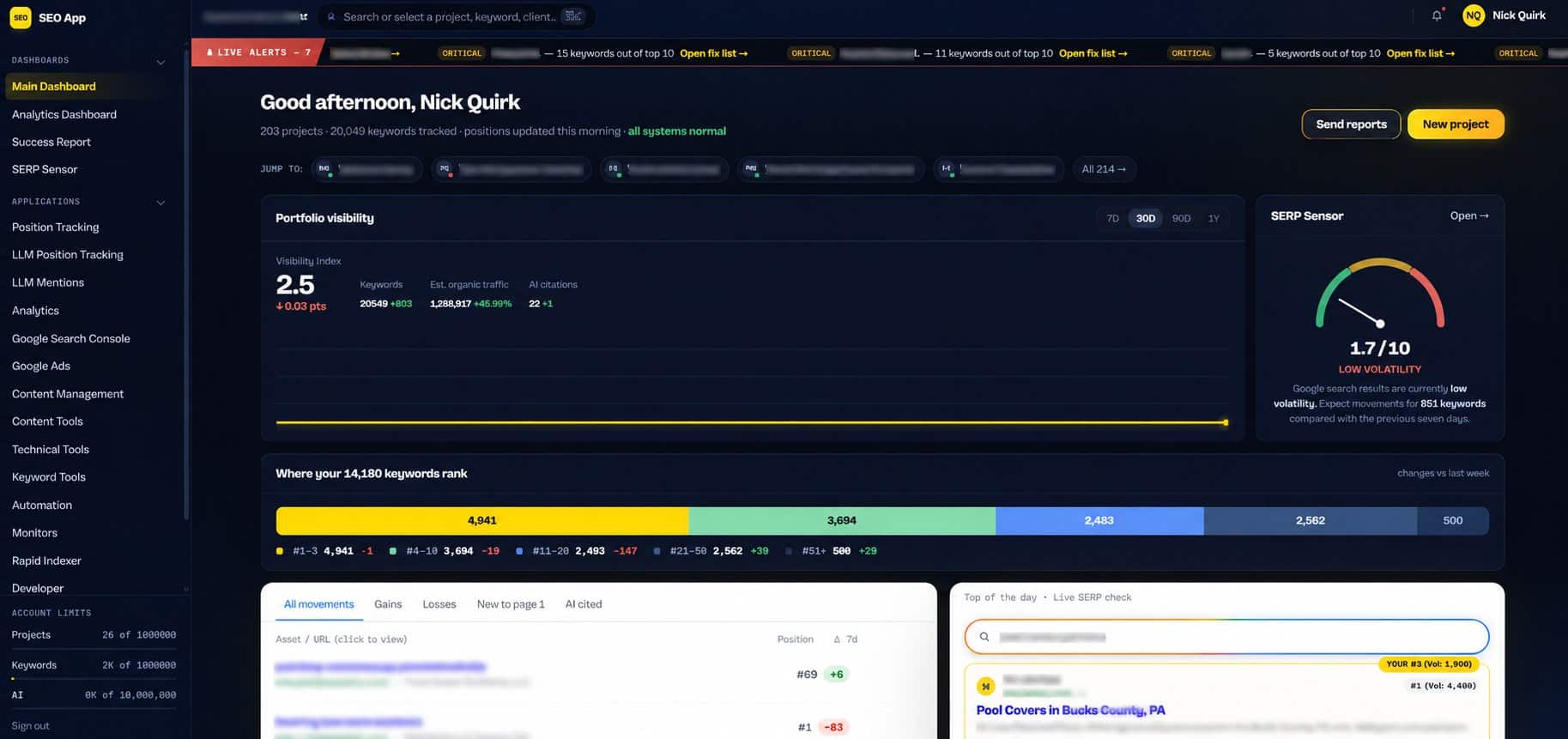
If the rankings and clicks you see roughly match your monthly report, that is a good sign. If they do not, that is a conversation worth having.
What a Good One-Page Report Looks Like
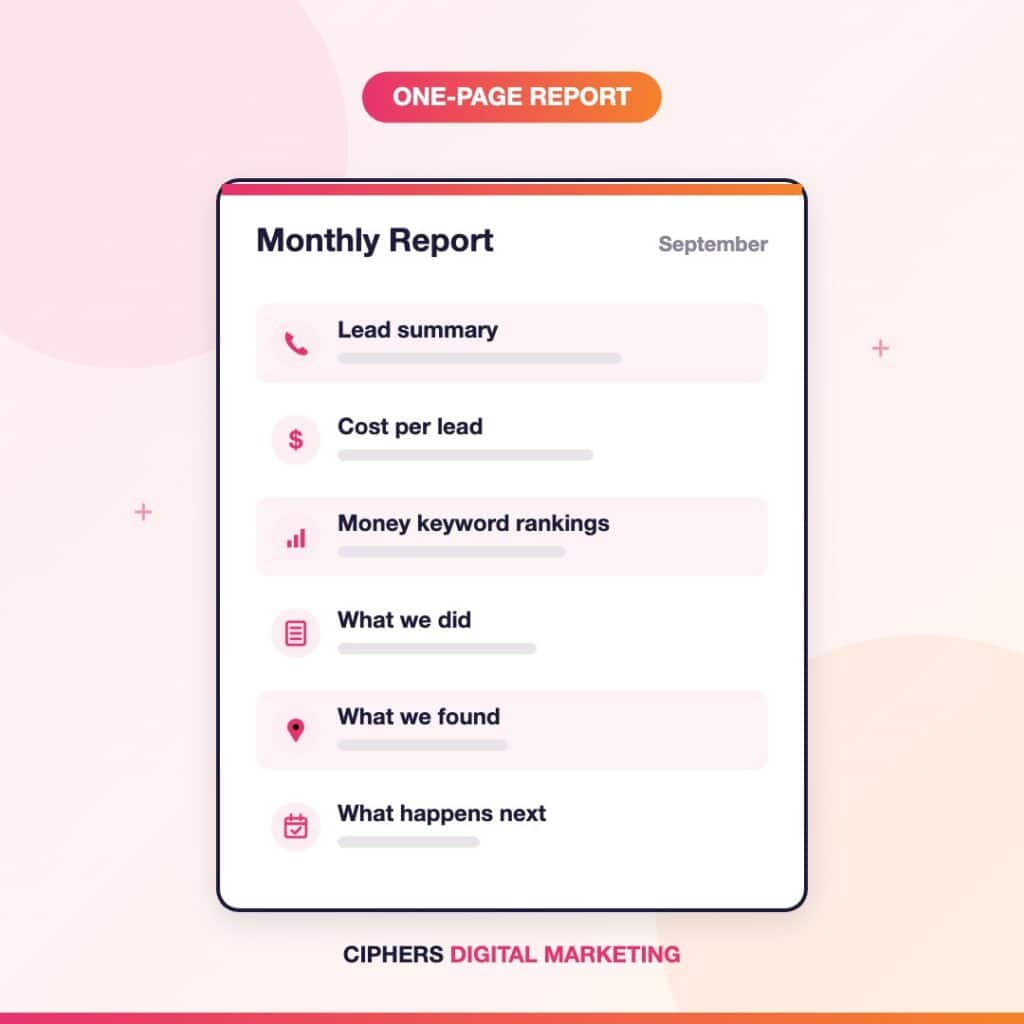
A useful monthly report tells the important story on one page. This is the structure our own client reports follow:
- Lead summary: calls, forms, and profile actions against last month and last year.
- Cost per lead: what each lead cost and which way it is trending.
- Money keyword rankings: the searches that bring in customers, including Maps.
- What we did: the specific changes made this month.
- What we found: problems uncovered, including tracking issues, and the fix for each.
- What happens next: next month’s focus, stated plainly.
Everything else, from full keyword lists to crawl data, belongs in an appendix for anyone who wants to dig deeper.
Red Flags in an SEO Report
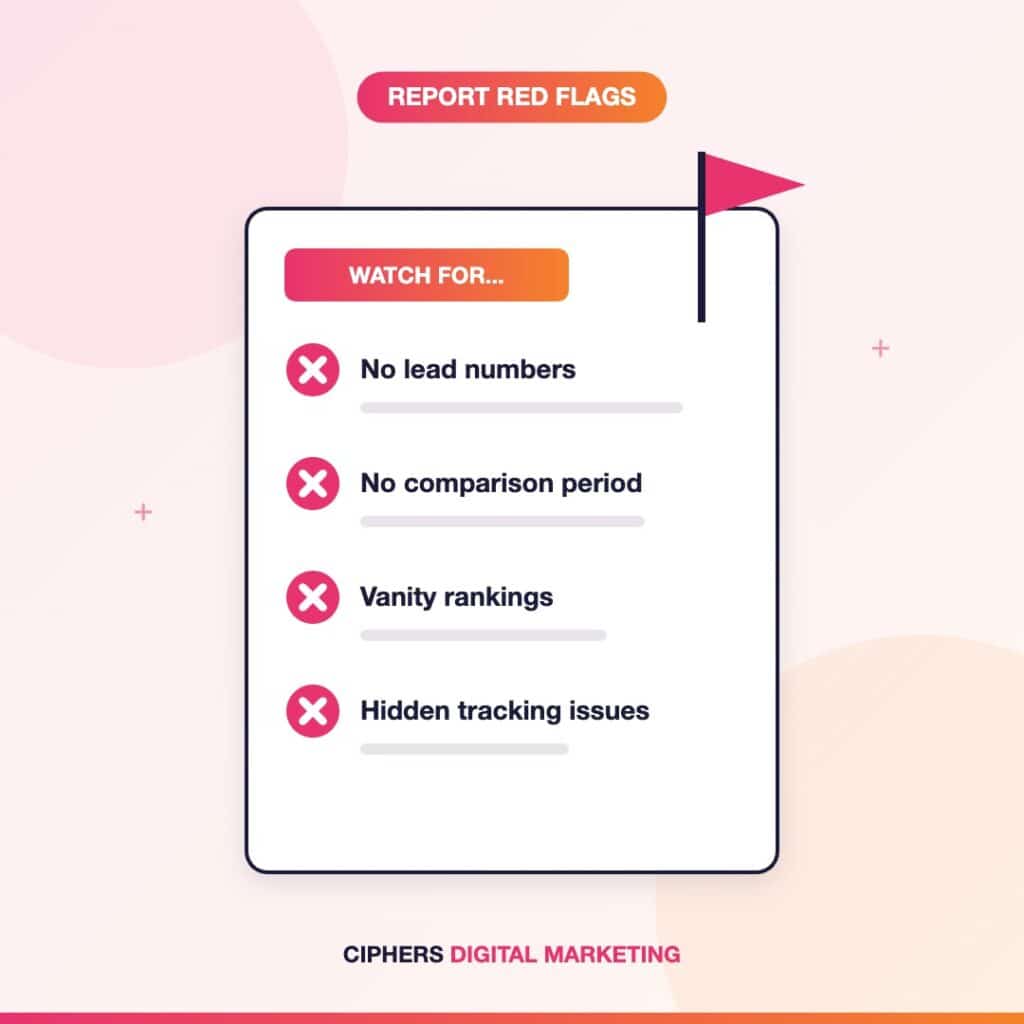
- No lead numbers at all, or leads buried after pages of rankings.
- Numbers with no comparison period.
- A comparison period that changes every month, always landing on the most flattering one.
- Rankings for searches no customer would ever type.
- No list of work completed, only results the agency takes credit for.
- Tracking problems never mentioned, even when numbers suddenly spike or drop.
- A report you cannot understand without a call.
Comparing agencies? Ask to see a sample report before you sign. It tells you more than any sales call.
Frequently Asked Questions
At minimum: calls and form leads from organic search and Maps, Google Business Profile actions, cost per lead, rankings for your most valuable service searches, the work completed that month, problems found, and what is planned next. Every number should include a comparison period.
Monthly works for most local businesses. SEO moves slowly, so weekly reports tend to show noise rather than progress. A short update between reports makes sense when something important changes.
Yes, for the right searches. Strong rankings for commercial, local searches are an early sign that leads will follow. They just should not be presented as the result itself.
You should. Your agency should have user access, but the accounts belong in your business’s name so your data stays with you if you ever change providers.

Written by Mike Rux, founder of Ciphers Digital Marketing in Gilbert, Arizona, and a member of the Gilbert Chamber of Commerce. He builds lead-focused SEO and Google Ads reporting for home service businesses across the Phoenix metro area.
Disclosure: SEO App is mentioned as one example of an independent rank tracking tool owners can use to verify any agency’s reporting. Ciphers Digital Marketing receives no compensation for the mention.